Where Can I Get a Free VPAT Template? (VPAT 2.5 and How to Fill It In)
The official template is free from ITI. The hard part is the testing behind it. Here is which edition to pick and how to complete it without overclaiming.
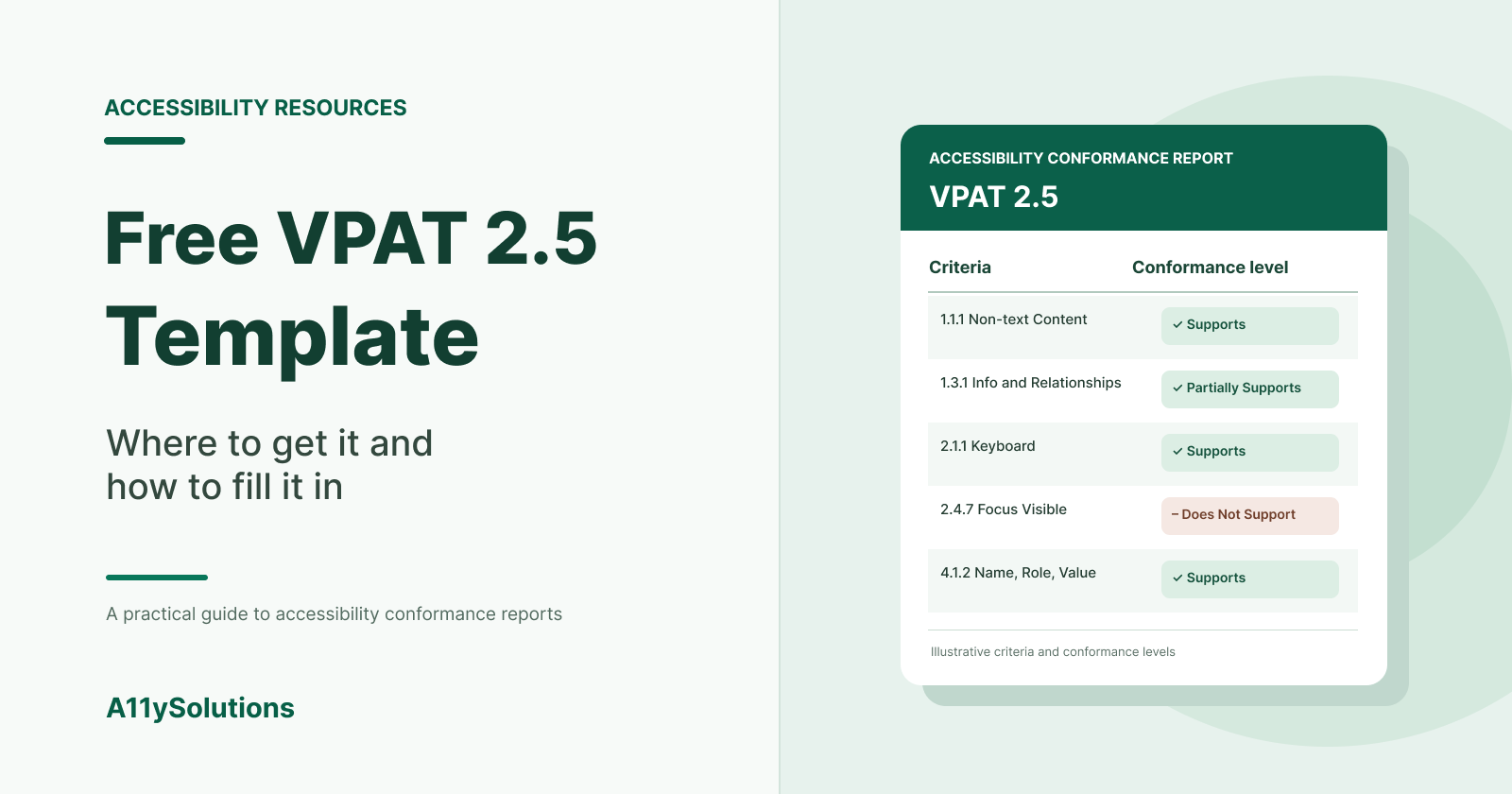
The official VPAT template is free. You download it from the Information Technology Industry Council (ITI), the organization that publishes it, at itic.org. The current version is VPAT 2.5 [VERIFICAR: confirm latest version and revision on the ITI site]. The template itself costs nothing; what takes time is the accessibility testing you need to fill it in honestly.
This guide explains which edition to download, what a completed VPAT is (and isn't), and how to fill it in so procurement teams trust it.
What a VPAT is, in one paragraph
VPAT stands for Voluntary Product Accessibility Template. It is a blank document. Once you fill it in for a specific product and version, it becomes an Accessibility Conformance Report (ACR). Buyers, especially US federal agencies, universities and large enterprises, ask for an ACR to see how well your product meets accessibility standards before they sign.
So when a buyer says "send us your VPAT", they mean "send us your completed ACR".
Where to download the free VPAT template
Go to the ITI website and look for the VPAT page. You will find the current version in Word format, plus earlier versions: itic.org
Avoid these:
- Third-party "VPAT downloads" behind a form. Some are fine, but many are outdated versions or lightly rebranded copies of the ITI file.
- "VPAT generators" that fill the report for you. An automated scan can't decide whether your product "Supports" a criterion. Many WCAG success criteria need manual testing, such as keyboard operation, focus order or meaningful link text.
- Old versions. If a buyer's checklist mentions WCAG 2.1 or 2.2, a VPAT 2.0 or earlier file may not include the right criteria.
Which edition should you choose?
VPAT 2.x comes in four editions. Pick based on who will read the report.
| Edition | Standard covered | Typical reader |
|---|---|---|
| WCAG | WCAG 2.x | Most private-sector buyers worldwide |
| Section 508 | US Revised Section 508 (2017) | US federal agencies and their contractors |
| EU | EN 301 549 | Public sector and buyers in the EU |
| INT (International) | All three above | Companies selling in the US and the EU |
A few practical rules:
- Selling to US federal agencies? Use the 508 edition, or INT if you also sell in Europe.
- Selling in the EU? The EU edition maps to EN 301 549, the harmonized standard used for public procurement. EN 301 549 v3.2.1 (2021) references WCAG 2.1 [VERIFICAR: check whether a newer version of EN 301 549 has been published].
- Not sure? INT covers everything. It is longer, but you only test once.
If your buyers are in Europe, it also helps to know how WCAG relates to the European Accessibility Act, which has applied to many products and services since 28 June 2025. We cover that in Is achieving WCAG 2.2 Level AA sufficient to comply with European web accessibility regulations?.
WCAG 2.1 or WCAG 2.2?
WCAG 2.2 became a W3C Recommendation in October 2023. It adds nine success criteria to WCAG 2.1, such as Focus Not Obscured (2.4.11), Target Size (Minimum) (2.5.8) and Accessible Authentication (3.3.8), and removes 4.1.1 Parsing. If the template version you download lets you report against WCAG 2.2, do it: buyers increasingly ask for it [VERIFICAR: confirm VPAT 2.5 includes WCAG 2.2 criteria].
How to fill in the VPAT template
1. Fill in the product information
The first page asks for:
- Product name and exact version tested
- Report date
- Product description
- Contact information
- Evaluation methods used: for example, manual testing with keyboard and screen readers (name them and the browsers), plus automated tools
- Applicable standards and the conformance level you report against (A, AA, AAA)
The evaluation methods section matters more than it looks. A procurement or legal reviewer reads it first to decide how much to trust the rest.
2. Test the product before you write anything
The report is only as good as the testing. For a web product, a solid evaluation usually includes:
- Automated scanning to catch the easy issues (missing alt text, contrast, form labels)
- Manual keyboard testing of every key flow: sign-up, login, search, checkout, settings
- Screen reader testing with at least one desktop and one mobile combination, for example NVDA with Firefox or Chrome, and VoiceOver on iOS
- Checks at 200% and 400% zoom and in high-contrast modes
- Review of documents and support content if they are in scope
Test the flows a customer actually uses, not only the homepage. Most serious barriers live in forms, modals, data tables and checkouts.
3. Use the conformance levels correctly
For each criterion, the VPAT asks you to choose one level:
- Supports: the functionality meets the criterion without known defects.
- Partially Supports: some functionality does not meet the criterion.
- Does Not Support: the majority of the functionality does not meet it.
- Not Applicable: the criterion is not relevant (for example, no audio content for an audio-only criterion).
- Not Evaluated: only allowed for WCAG Level AAA criteria [VERIFICAR: confirm current ITI rule].
4. Write useful remarks
The "Remarks and Explanations" column is where reports earn or lose credibility. Compare:
- Weak: "Partially supports."
- Useful: "Most images have text alternatives. Product thumbnails in the search results grid have empty alt attributes. A fix is planned for version 4.3."
Good remarks say what fails, where, and what the user impact is. If you have a fix planned, say so, but don't promise dates you can't keep.
5. Review, date and version the report
An ACR describes one version of one product at one point in time. When you ship major UI changes, update it. Keep previous ACRs on file: buyers sometimes ask for history.
Common mistakes that make buyers distrust a VPAT
- "Supports" on every line. Almost no real product supports every criterion. A report with no exceptions reads as untested.
- No evaluation methods. If the report doesn't say how you tested, reviewers assume you didn't.
- Copying another product's ACR. Even within the same company, different products behave differently.
- Relying on an overlay or widget. Installing a toolbar does not change how your underlying code conforms to WCAG.
- Outdated report. An ACR from three major releases ago doesn't describe the product the buyer will use.
Should you fill it in yourself or get help?
You can complete a VPAT internally if your team has people who test with assistive technology and know WCAG well. Many companies choose an independent evaluation instead, because:
- Buyers often give more weight to a report prepared by a third party.
- An independent tester finds issues your team is too close to see.
- The audit produces a fix list your developers can act on, not just a report.
A reasonable path is to run an accessibility audit of your key flows first, fix the critical issues, and then write the ACR on the improved version. That way the report you send to buyers shows fewer "Does Not Support" lines.
Next step
Download the current VPAT from ITI, pick the edition that matches your buyers (INT if in doubt), and list the five flows a customer can't live without. Test those first.
If a deal is waiting on the report, see how we prepare VPAT and ACR reports based on manual and assistive-technology testing.
Comments
Join the discussionNo comments yet. Be the first to comment.


